
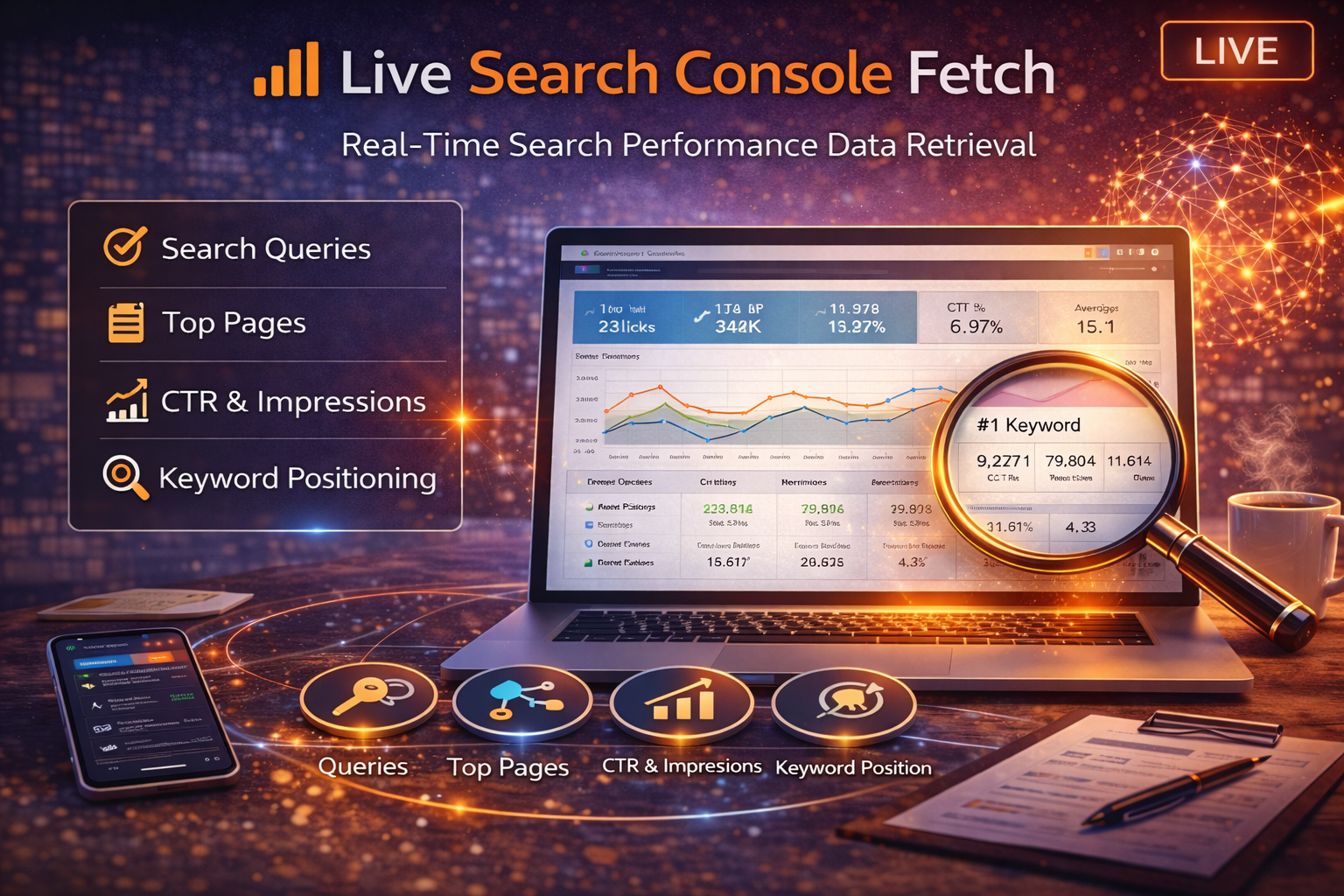
Live Search Console Fetch: Real-Time Search Performance Insights
Understanding how your website performs in Google Search is essential for improving visibility, traffic, and long-term growth.
While Google Search Console provides powerful data, navigating multiple dashboards and reports can slow down decision-making. The Live Search Console Fetch tool inside My PR Manager simplifies this process by retrieving the latest available search performance data directly from your connected Search Console property.
This allows businesses, consultants, and agencies to quickly see how their websites are performing in search results without switching between platforms.
What Is Live Search Console Fetch?
Live Search Console Fetch is a real-time retrieval tool that pulls important search performance metrics from your Google Search Console account and displays them within the My PR Manager platform.
Instead of manually exporting reports or digging through multiple Search Console views, this tool surfaces the most useful performance indicators in a simplified format designed for faster analysis and decision-making.
What Data the Tool Retrieves
Search Clicks and Impressions
The tool retrieves key visibility indicators, including:
-
total search clicks
-
total impressions
-
click-through rate (CTR)
-
average search position
These metrics help you understand how often your pages appear in search results and how frequently users click through to your site.
Keyword Performance Signals
Understanding which search queries drive traffic is critical for improving SEO.
Live Search Console Fetch helps surface keyword performance indicators such as:
-
queries generating impressions
-
queries driving clicks
-
keyword visibility trends
These insights help reveal opportunities to improve rankings, optimize content, or expand keyword coverage.
For deeper keyword optimization, you may also want to run a Live Keyword Audit to evaluate how well a specific page aligns with its target keyword.
https://myprmanager.com/blog/49/live-keyword-audit-analyze-keyword-density-placement-page-alignment
Page-Level Search Performance
The tool can also highlight how individual pages perform in search results, including:
-
pages generating the most impressions
-
pages attracting the most clicks
-
pages with high impressions but low click-through rates
These signals often reveal opportunities to improve titles, meta descriptions, or content relevance.
Benefits of Live Search Console Fetch
Faster SEO Insights
Instead of navigating complex reports inside Search Console, this tool delivers the most relevant search performance data quickly within the My PR Manager dashboard.
Better SEO Decision-Making
Understanding which queries drive impressions and clicks allows you to prioritize optimization efforts more effectively.
For example, if a page generates many impressions but few clicks, improving its title or meta description may increase traffic.
Improved Content Optimization
Search Console data often reveals keyword opportunities that can inspire new content or improve existing pages.
If keyword impressions are strong but rankings are moderate, strengthening page structure or authority signals may help.
Tools such as the Competitive Page Rank Audit can help compare your page against top-ranking competitors to identify measurable differences.
When to Use Live Search Console Fetch
You will benefit most from this tool when:
-
monitoring search performance trends
-
evaluating keyword visibility changes
-
identifying pages with growth potential
-
reviewing results after SEO updates
-
auditing client search performance
It is particularly useful when combined with traffic insights from the Live Google Analytics Fetch tool.
Together, these tools provide a clearer picture of both search visibility and actual user behavior.
Key Takeaways
-
Live Search Console Fetch retrieves current search performance data.
-
It highlights search impressions, clicks, and keyword visibility.
-
Page-level insights reveal opportunities for optimization.
-
Combining search data with analytics provides a fuller view of performance.
-
Faster access to SEO metrics supports better marketing decisions.
Frequently Asked Questions
Does this tool replace Google Search Console?
No. Google Search Console remains the primary source of search data. Live Search Console Fetch simply retrieves and displays important metrics within My PR Manager for easier access.
How often should I run a live fetch?
Many users run this tool weekly or after making SEO changes to monitor how visibility evolves.
Can agencies use this tool for multiple clients?
Yes. Agencies managing multiple projects can quickly review search performance across different websites without switching between multiple Search Console accounts.
Does this tool show keyword rankings?
Search Console provides average position data for queries. For daily ranking tracking, you can also use the Daily Keyword Ranking Tracker.
https://myprmanager.com/blog/43/daily-keyword-ranking-tracker-for-google-seo-my-pr-manager
Conclusion
Search performance data is one of the most valuable sources of insight for improving online visibility. However, many businesses fail to review this information regularly because the reporting process can be time-consuming.
The Live Search Console Fetch tool simplifies access to this data by retrieving important search performance metrics directly inside My PR Manager.
By combining Search Console insights with analytics data, keyword analysis, and competitive intelligence tools, businesses can make more informed decisions that improve search visibility and long-term growth.
Explore Live Search Console Fetch
If you want a faster way to monitor search performance and identify SEO opportunities, Live Search Console Fetch provides a convenient way to review critical search data without leaving the My PR Manager platform.