
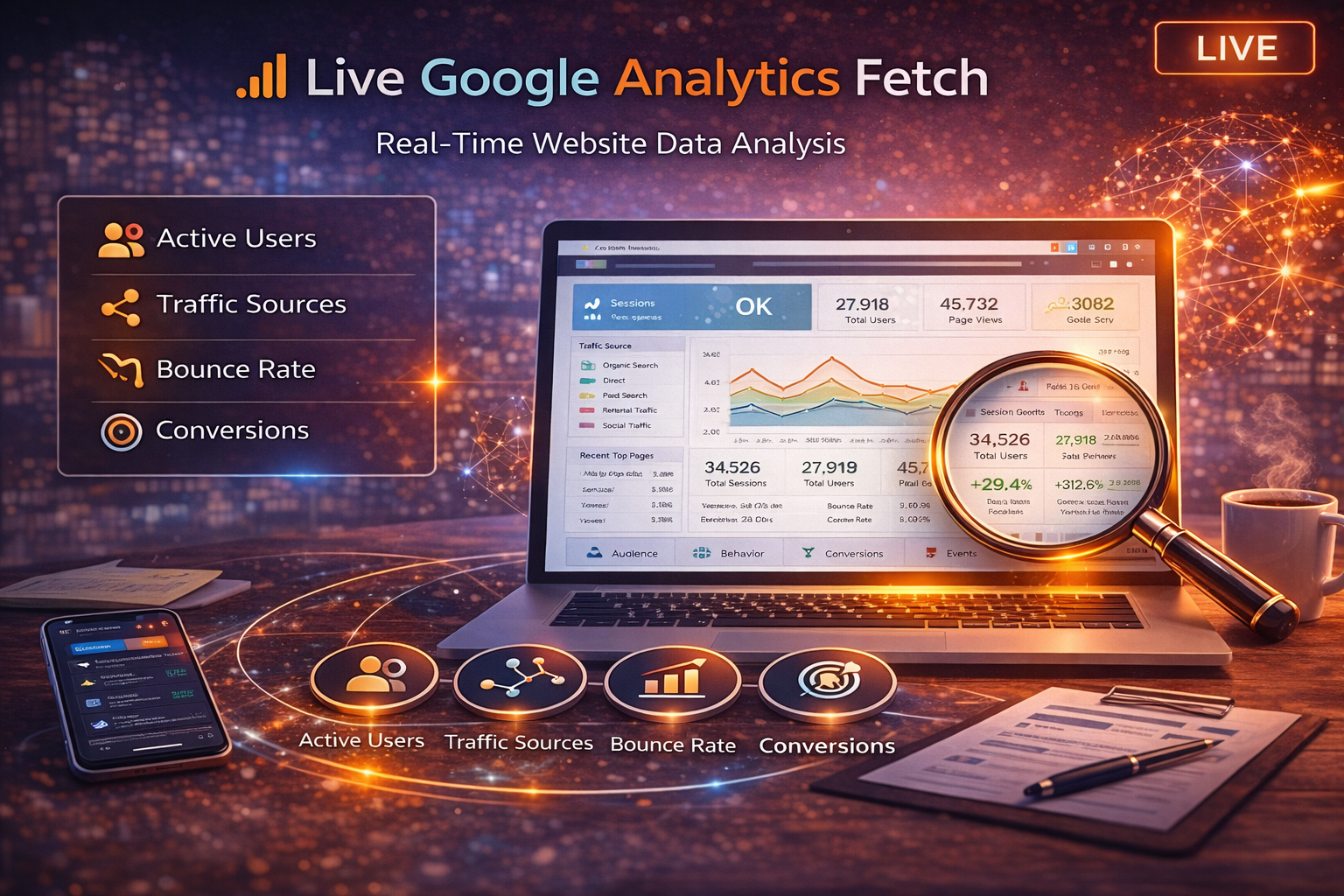
Live Google Analytics Fetch: Real-Time Website Performance Insights
If you’re serious about improving your marketing performance, you need current data — not guesses and not outdated screenshots.
The Live Google Analytics Fetch tool inside My PR Manager pulls the latest available data directly from your connected Google Analytics property, so you can quickly understand what’s happening on your site right now: traffic trends, where visitors come from, what pages they engage with, and how performance is changing over time.
This is designed for business owners, consultants, and agencies who want fast insight without jumping between platforms.
What Is Live Google Analytics Fetch?
Live Google Analytics Fetch is a real-time retrieval tool that pulls key website performance metrics from your connected Google Analytics account and displays them clearly inside your My PR Manager dashboard.
Instead of manually logging into Google Analytics, hunting through reports, and exporting data, this tool provides a simplified, decision-ready view of the metrics that most often matter.
What Data It Retrieves
Users & Sessions Overview
This tool helps you understand traffic volume and engagement patterns, including:
-
total users
-
new users
-
returning users
-
sessions
These numbers provide a baseline for whether your visibility and marketing efforts are increasing or declining.
Traffic Source Breakdown
Knowing where traffic comes from is often more important than traffic volume alone.
Live Google Analytics Fetch can surface sources such as:
-
organic search
-
direct traffic
-
referral traffic
-
paid traffic
-
social traffic
This makes it easy to identify which channels are driving real visitors.
Top Pages & Engagement Signals
This section highlights:
-
top visited pages
-
user engagement patterns
-
bounce rate and time-based engagement signals (where available)
It helps pinpoint what content is performing well — and what may need improvement.
Goal & Conversion Signals (If Configured)
If your Analytics property has goals or conversions configured, this tool can retrieve those signals so you can measure whether traffic is turning into real actions.
Benefits of Live Google Analytics Fetch
Faster Decision-Making
Instead of pulling reports manually, you can quickly check:
-
Whether traffic is increasing
-
Which channels are working
-
Which pages attract the most attention
Better Client Reporting (For Agencies & Consultants)
If you manage multiple websites, it’s easier to pull performance snapshots and identify trends without logging into multiple Analytics dashboards.
Clearer Optimization Priorities
Analytics data helps you identify:
-
pages that deserve more SEO focus
-
pages that convert well
-
pages that attract traffic but lose visitors quickly
When to Use This Tool
You’ll get the most value from Live Google Analytics Fetch when:
-
checking performance after publishing new content
-
reviewing traffic after running an ad campaign
-
tracking growth after SEO changes
-
auditing a client’s traffic trends quickly
-
validating whether search visibility improvements are producing results
Related Tools That Pair Well With Analytics
Analytics tells you what users did — but other tools help explain why.
If you see traffic drops or underperformance, these tools help diagnose the cause:
-
Live Search Console Fetch for search clicks, impressions, and keyword performance
(Internal link placeholder — we will use the published link once live) -
Live Technical Page Audit to identify technical issues that may reduce performance
https://myprmanager.com/blog/50/live-technical-page-audit-real-time-technical-seo-performance-analysis -
SEO Analytics Dashboard & Website Performance Tracker for broader reporting and trend monitoring
https://myprmanager.com/blog/37/seo-analytics-dashboard-website-performance-tracker-my-pr-manager
Key Takeaways
-
Live Google Analytics Fetch pulls current performance data into My PR Manager.
-
It helps businesses and agencies monitor traffic trends quickly.
-
Source breakdown reveals what channels drive real visitors.
-
Page performance insights help prioritize optimization.
-
Analytics works best when paired with technical and search performance tools.
Frequently Asked Questions
Does this tool replace Google Analytics?
No. Google Analytics remains the source system. This tool simplifies and centralizes the most important performance metrics inside My PR Manager.
How often should I run a live fetch?
Most users run it weekly or after major marketing changes, such as publishing new content or launching campaigns.
Will I see conversions and goal completions?
If your Analytics property is configured to track goals or conversions, those signals can be included in the data retrieved.
Is this useful for agencies with many clients?
Yes. It reduces time switching between accounts and helps agencies quickly evaluate performance across multiple projects.
Conclusion
Analytics is the truth layer of digital marketing — but the problem is that many businesses don’t check it consistently because the reporting process feels time-consuming or confusing.
The Live Google Analytics Fetch tool makes performance monitoring easier by pulling key insights into one place, so you can track growth, spot changes early, and make better marketing decisions without digging through multiple dashboards.
Explore Live Google Analytics Fetch
If you want faster clarity on what’s happening with your website traffic and performance, Live Google Analytics Fetch provides an immediate snapshot that supports smarter decisions and more confident optimization.