
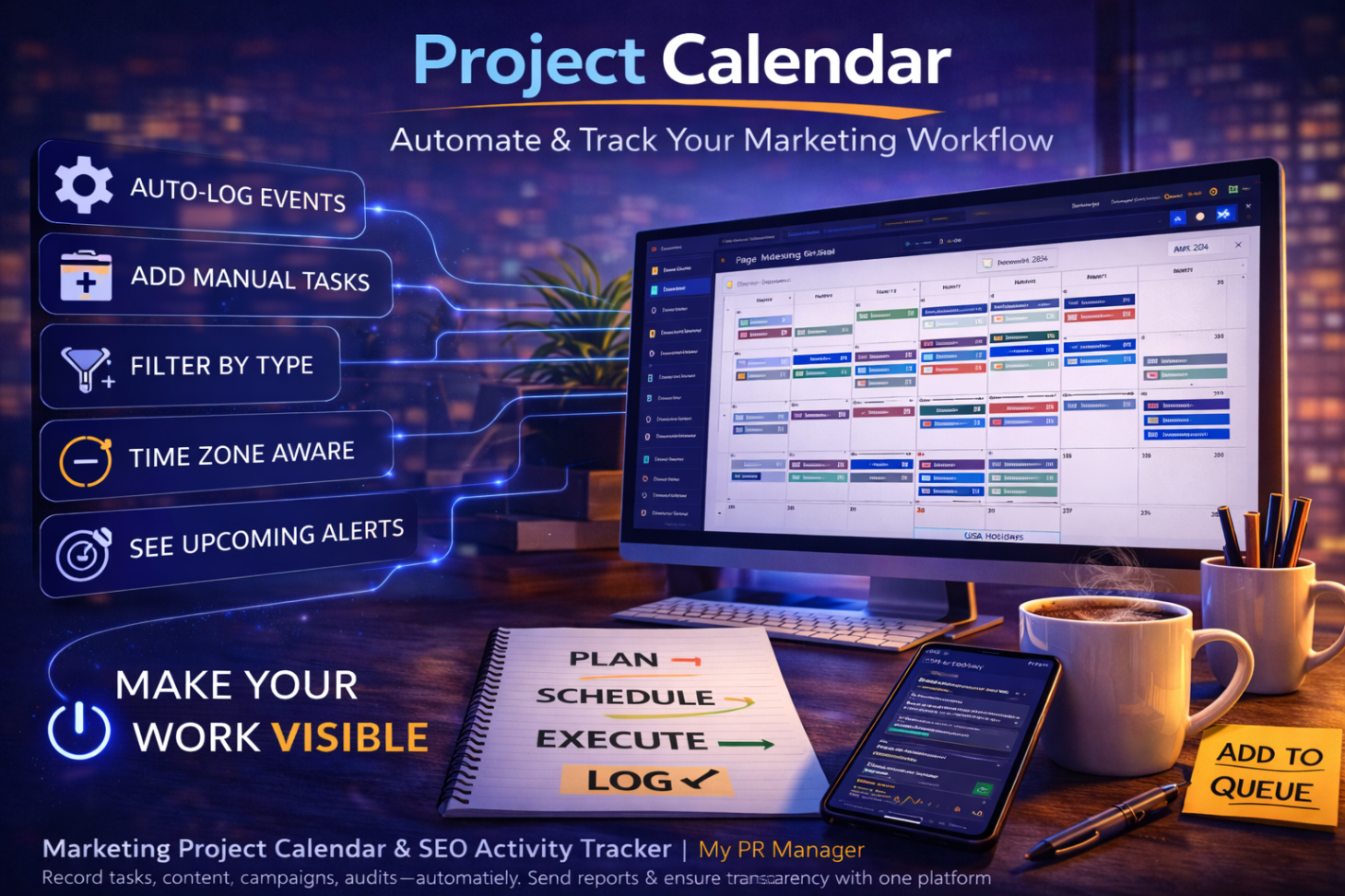
Your Marketing Shouldn’t Feel Like a Mystery: Inside the My PR Manager Project Calendar
Introduction
One of the biggest frustrations business owners have with marketing is this:
“I don’t really know what’s being done.”
They see invoices.
They hear about strategy.
But they don’t always see the daily execution.
And for agencies, that’s dangerous.
Because even if work is being done, if it’s not visible, it feels invisible.
The My PR Manager Project Calendar solves that problem.
It doesn’t just schedule content.
It logs everything.
Every article is published.
Every social post is scheduled.
Every audit run.
Every automated action.
Every manual task.
In one structured, visual timeline.
This isn’t just a calendar.
It’s operational transparency.
Why a Marketing Calendar Changes Everything
Most marketing activity happens in scattered places:
-
Blog posts inside WordPress
-
Social posts inside various platforms
-
SEO audits in spreadsheets
-
Keyword tracking elsewhere
-
Reports sent separately
There’s no single “command view” showing:
What happened this week?
What was completed?
What’s scheduled next?
The Project Calendar becomes that command center.
Automatic System Event Logging
Here’s where it becomes powerful.
The Calendar automatically logs:
-
Article Publishing activity
-
Social Media posts
-
AI Rewriter campaigns
-
Website Auditor scans
-
Alerts
-
System-triggered events
When is an article published?
It appears on the calendar.
When a rewriter updates content?
It logs automatically.
When should an SEO audit run?
It records it.
You don’t manually document your work.
The system documents it for you.
Manual Events for Full Project Control
In addition to system events, you can create manual entries like:
-
Appointments
-
Campaigns
-
Deadlines
-
Outreach
-
Support
-
Tasks
-
Interactions
And you can set:
-
Single events
-
Recurring events
-
Custom time schedules
-
Status updates
This makes the calendar flexible enough for real-world marketing management.
Filter by Event Type
The calendar allows filtering by:
-
All
-
Article Publisher
-
Social Media
-
Alerts
-
Auditor Projects
-
Other
This makes it easy to isolate:
Content activity
SEO activity
Campaigns
Support work
Instead of scrolling endlessly.
Time-Zone Awareness & Holiday Display
The Project Calendar:
-
Displays the current date/time based on the project time zone
-
Shows observed holidays based on location settings
For multi-location brands or agencies managing clients in different regions, this matters more than most realize.
Domain Expiration Alerts (Hidden but Critical)
The system monitors your domain expiration date and:
Automatically creates reminder events before expiration.
This protects against one of the most damaging mistakes a business can make:
Letting a domain expire.
“Add Event” From Anywhere
Instead of navigating away from your workflow, My PR Manager includes a top-menu “Add Event” button.
You can add calendar entries via pop-up from any page inside the project.
Small detail.
Huge efficiency.
Calendar Reporting (This Is the Secret Weapon)
Just like the Full Website Reports, the Calendar can:
-
Send weekly, monthly, or yearly reports
-
Email designated recipients
-
Provide a clean, structured web-based report
-
Show all system and manual tasks in date order
This becomes the perfect “work log” for:
-
Business owners
-
Managers
-
Agency clients
-
Supervisors
Instead of explaining what was done…
You show it.
How It Connects to the Entire My PR Manager System
The Project Calendar reflects activity from:
-
Article Publishing Manager
-
Social Posting Manager
-
AI Visibility Audit
-
Keyword Research
-
Website Auditor
-
Page Indexing Tool
-
Full Reports
It ties execution to visibility.
And that builds confidence.
Why This Improves Client Retention
Clients rarely leave because of one bad ranking.
They leave when they feel uncertain.
The Project Calendar eliminates uncertainty.
It shows:
Consistency
Execution
Momentum
Structure
It transforms marketing from “trust me” to “here’s the timeline.”
Key Takeaways
-
The Project Calendar logs both manual and automated marketing activity.
-
It provides operational transparency.
-
System events are recorded automatically.
-
Manual recurring events allow full planning control.
-
Calendar reports create perfect accountability summaries.
-
It integrates seamlessly with all My PR Manager tools.
FAQ
Does the calendar log activity automatically?
Yes. Publishing, audits, and system actions are recorded automatically.
Can I add my own tasks?
Yes. You can create manual and recurring events.
Can I send calendar reports?
Yes. Weekly, monthly, and yearly reporting options are available.
Is it time-zone aware?
Yes. It adapts to the project’s configured location.
Is this useful for agencies?
Extremely. It creates visible proof of ongoing work.