
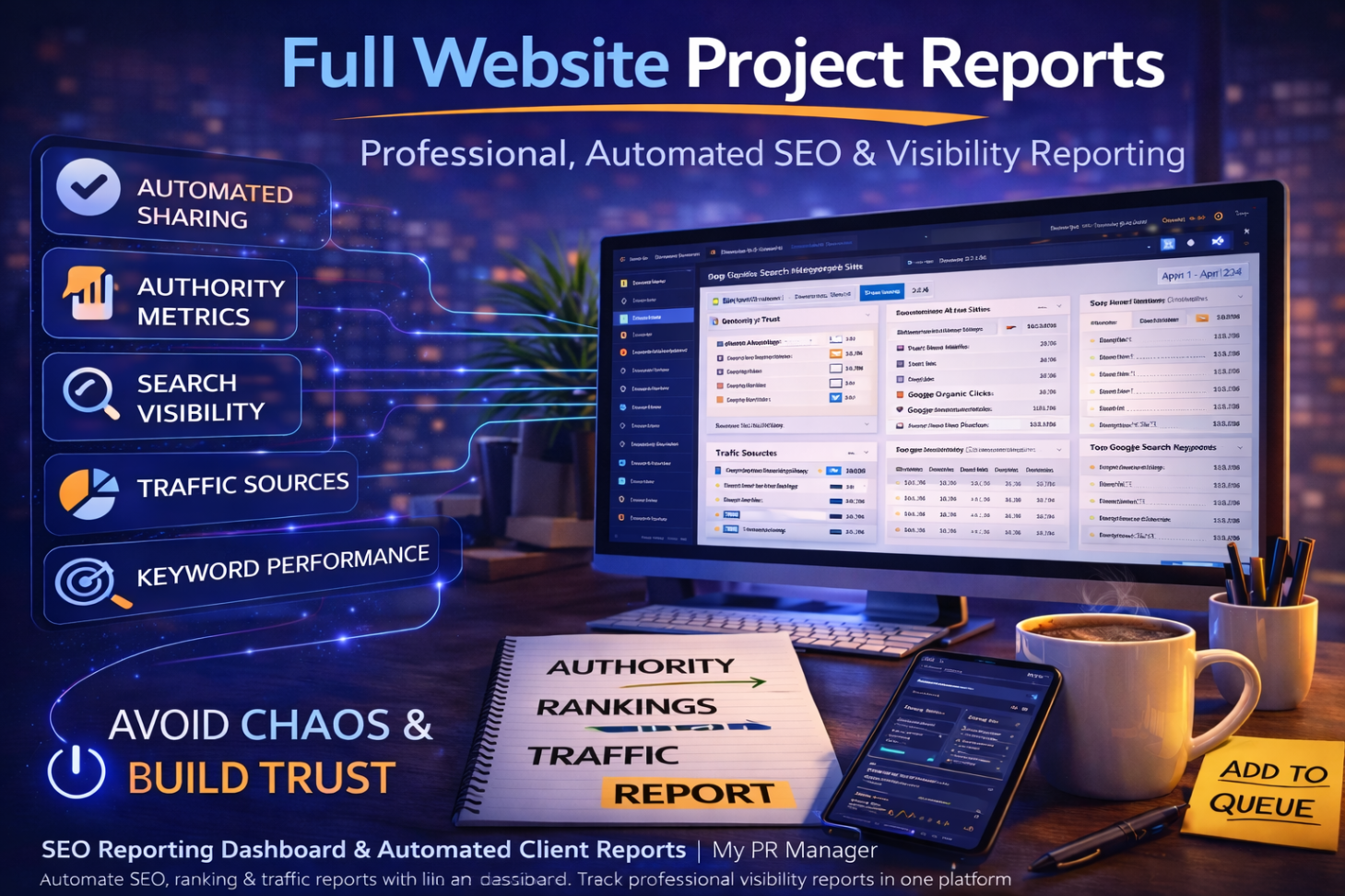
Stop Sending Screenshots: How to Deliver Professional SEO & Visibility Reports with My PR Manager
Introduction
If you manage a website for a client, business owner, or even your own company, you’ve probably experienced this:
“Can you send me an update on how we’re doing?”
And suddenly you’re:
-
Logging into Google Analytics
-
Checking Google Search Console
-
Looking at backlinks
-
Copying keyword rankings
-
Taking screenshots
-
Writing an email explanation
It’s time-consuming.
It’s inconsistent.
And it often lacks clarity.
The My PR Manager Full Website Project Reports page was built to eliminate that chaos.
Instead of patching together performance summaries from multiple tools, you generate structured, branded, web-based reports that show exactly what’s happening — and why it matters.
Let’s break down how this transforms reporting from reactive to strategic.
Reporting Isn’t About Numbers — It’s About Clarity
A good report doesn’t just show data.
It answers:
-
Are rankings improving?
-
Is traffic increasing?
-
Are backlinks growing?
-
Is authority strengthening?
-
Is local visibility improving?
-
Are we actually making progress?
The My PR Manager Reports system organizes these answers into one cohesive, structured experience.
Automated Scheduled Reports (No More Manual Sending)
Inside the Reports Page, you can:
-
Set one or more email recipients
-
Choose weekly, monthly, or yearly delivery
-
Automatically send dynamic web-based reports
-
Generate share links (plan dependent)
-
Set expiration (30-day secure links)
Instead of “I’ll send it later,” reports go out automatically.
That consistency builds trust.
What the Report Actually Includes
The Full Website Project Report includes structured sections covering:
📈 Authority & Trust Metrics
-
Domain Authority
-
Home Page Authority
-
Spam Score
-
Total Backlinks
-
Dofollow Links
-
Referring Domains
This shows how your site’s strength is evolving.
🔎 Search Visibility Metrics
-
Searched Keywords in Top 10
-
Google Organic Clicks
-
Impressions
-
CTR
-
Average Keyword Position
This answers the most common question:
“Are we ranking better?”
🌎 Traffic Sources Overview (Top 25)
You’ll see traffic broken down by:
-
Direct
-
Organic
-
Referral
-
Paid
With platform-level insight, including:
-
Google
-
Bing
-
Yahoo
-
Facebook
-
Instagram
-
ChatGPT
-
Perplexity
-
Paid lead sources
This is especially powerful in today’s AI-driven search environment.
🔑 Top 25 Google Search Keywords
Includes:
-
Clicks
-
Impressions
-
Average Position
-
Position Change
This shows movement, not just static numbers.
📍 Top 25 Google GMB 3-Pack Keywords
For local businesses, this section highlights local map pack visibility — which is often where the highest-intent traffic comes from.
📄 Top 25 Performing Pages
Displays:
-
Page URL
-
Clicks
-
Impressions
-
CTR
This shows what content is driving performance.
🎯 Top 25 Tracked Keywords (Daily Position Data)
Unlike Google’s delayed reporting (often 48 hours behind), the My PR Manager Keyword Tracker:
-
Performs daily position checks
-
Shows more recent ranking data
-
Provides the current average position
-
Tracks movement trends
This is a major differentiator.
Why This Changes Client Relationships
Instead of saying:
“We posted some content and built backlinks.”
You can show:
-
Rankings moving
-
Authority increasing
-
Traffic improving
-
Keywords climbing
-
Local pack visibility shifting
That changes conversations.
It turns marketing into measurable progress.
How This Connects to Everything Else
The Full Website Project Report reflects activity from:
-
Keyword Research Tool
-
Article Publishing Manager
-
AI Visibility Audit
-
Social Posting Manager
-
Page Indexing Tool
-
Newsletter Manager
-
Analytics Overview
-
Project Calendar
Everything feeds into the report.
Which means your work is documented automatically.
The Hidden Power: Expiring Share Links
Reports can be shared via:
-
Secure web links
-
30-day expiration
-
Plan-based access
This allows:
-
Professional delivery
-
Client transparency
-
Controlled access
It feels modern — not like emailing attachments.
Key Takeaways
-
Professional reporting builds trust and retention.
-
Automated scheduling eliminates manual updates.
-
Reports combine authority, rankings, traffic, and performance metrics.
-
Daily tracked keyword data offers fresher insight than Google alone.
-
Integrated reporting reflects real work performed across the My PR Manager ecosystem.
FAQ
Can I automate reports?
Yes. Weekly, monthly, and yearly options are available.
Can I send reports to multiple email addresses?
Yes. Multiple recipients can be configured.
Do share links expire?
Yes. Links expire after 30 days for security.
Does this include local keyword tracking?
Yes. Google GMB 3-Pack rankings are included.
Is this useful for agencies?
Extremely. It eliminates manual reporting and increases perceived value.