
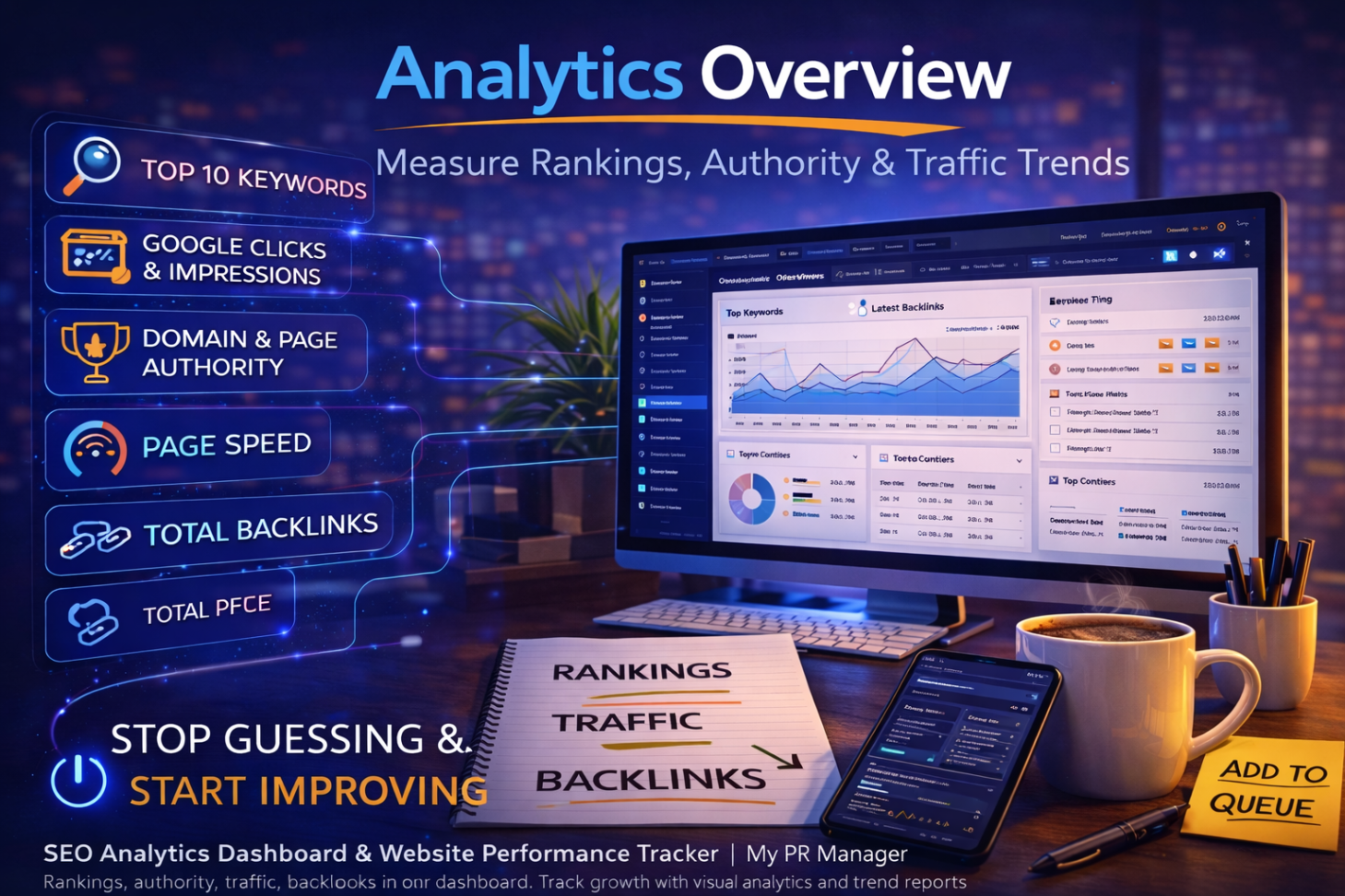
If You Can’t Measure It, You Can’t Scale It: Inside the My PR Manager Analytics Overview
Introduction
Publishing content feels productive.
Posting to social feels active.
Sending newsletters feels strategic.
But here’s the uncomfortable truth:
If you don’t know what’s working, you’re guessing.
Traffic without context is noise.
Rankings without tracking are assumptions.
Backlinks without monitoring are blind spots.
That’s why the My PR Manager Analytics Overview Page exists.
It’s not just a traffic summary — it’s a performance command center designed to show you exactly how your visibility efforts are translating into measurable growth.
Let’s unpack what it tracks and why it matters.
The Metrics That Actually Move the Needle
Inside the Analytics Overview, you can compare performance across:
-
1 Week
-
1 Month
-
3 Months
-
6 Months
-
1 Year
Each period compares against the previous period — so you’re not just seeing numbers, you’re seeing movement.
Here’s what you’ll monitor:
📈 Searched Keywords in Top 10
This tells you how many of your tracked keywords are ranking in top positions.
This matters because:
Top 10 visibility drives the majority of clicks.
When you combine this with the Keyword Research Tool and Tracked Keywords Manager, you’re closing the loop between planning and performance.
🖱 Google Organic Clicks & Impressions
Impressions show visibility.
Clicks show engagement.
If impressions rise but clicks don’t, you may need:
-
Better titles
-
Better meta descriptions
-
AI Visibility Audit improvements
This is where analytics meets optimization.
🏆 Domain Authority & Home Page Authority
Authority impacts ranking power.
Tracking authority trends helps you understand:
-
Backlink growth impact
-
Publishing consistency effects
-
Competitive positioning
When combined with the Backlink totals shown in reports, you get a full authority picture.
⚡ Mobile & Desktop Page Speed
Speed affects:
-
Rankings
-
Bounce rate
-
User experience
-
AI crawl efficiency
Seeing this metric alongside traffic helps identify technical bottlenecks.
🔗 Total Backlinks
Backlinks are still one of the strongest ranking factors.
Monitoring growth ensures:
-
Outreach efforts are working
-
PR campaigns are effective
-
Competitors aren’t outpacing you
Visual Traffic Insights
Numbers are important — but patterns tell stories.
The Analytics Overview includes graphical reports showing:
-
Traffic Locations
-
Traffic Source Types (Direct, Organic, Referral, Paid)
This helps you answer:
-
Are we too dependent on one source?
-
Is organic search improving?
-
Is social driving traffic?
-
Are referral links working?
Top Keywords & Top Backlinks Snapshot
At a glance, you can see:
-
Your top-performing keywords
-
Your strongest backlinks
This is powerful because it shows:
What’s already working — so you can double down.
Why This Page Changes Strategy
Analytics isn’t just reporting.
It influences decisions.
For example:
If you notice:
Organic impressions rising → Use Newsletter Manager to push content.
Keyword positions dropping → Run AI Visibility Audit.
Backlinks stagnant → Publish more authoritative content.
Traffic steady but clicks low → Improve meta titles.
Every metric connects to action.
How It Connects to the Entire My PR Manager Ecosystem
The Analytics Overview doesn’t operate alone.
It ties directly to:
-
Keyword Research Tool
-
Tracked Keywords Manager
-
Article Publishing Manager
-
AI Visibility Audit
-
Social Posting Manager
-
Newsletter Manager
-
Full Website Reports
-
Project Calendar
This turns My PR Manager into a measurable growth engine — not just a content platform.
Why Businesses Struggle Without This
Without centralized analytics:
-
Teams argue over performance.
-
Clients question value.
-
Decisions are emotional instead of data-driven.
-
Optimization becomes reactive.
With My PR Manager Analytics Overview:
You see movement.
You see trends.
You see momentum.
And momentum builds confidence.
Key Takeaways
-
Visibility without measurement is guessing.
-
The Analytics Overview compares performance across multiple timeframes.
-
It tracks rankings, clicks, impressions, authority, backlinks, and speed.
-
Visual traffic insights reveal patterns.
-
Metrics directly connect to optimization actions inside My PR Manager.
FAQ
Is this pulling live data?
Yes. Data updates regularly depending on connected integrations.
Can I compare time periods?
Yes, 1 week, 1 month, 3 months, 6 months, and 1 year comparisons are available.
Does this replace Google Analytics?
It centralizes key performance data into one strategic dashboard.
How does this help improve SEO?
It identifies trends, ranking movement, click behavior, and authority changes — which inform optimization.
Can agencies use this for clients?
Yes. It connects directly to shareable reports and calendar logs.