
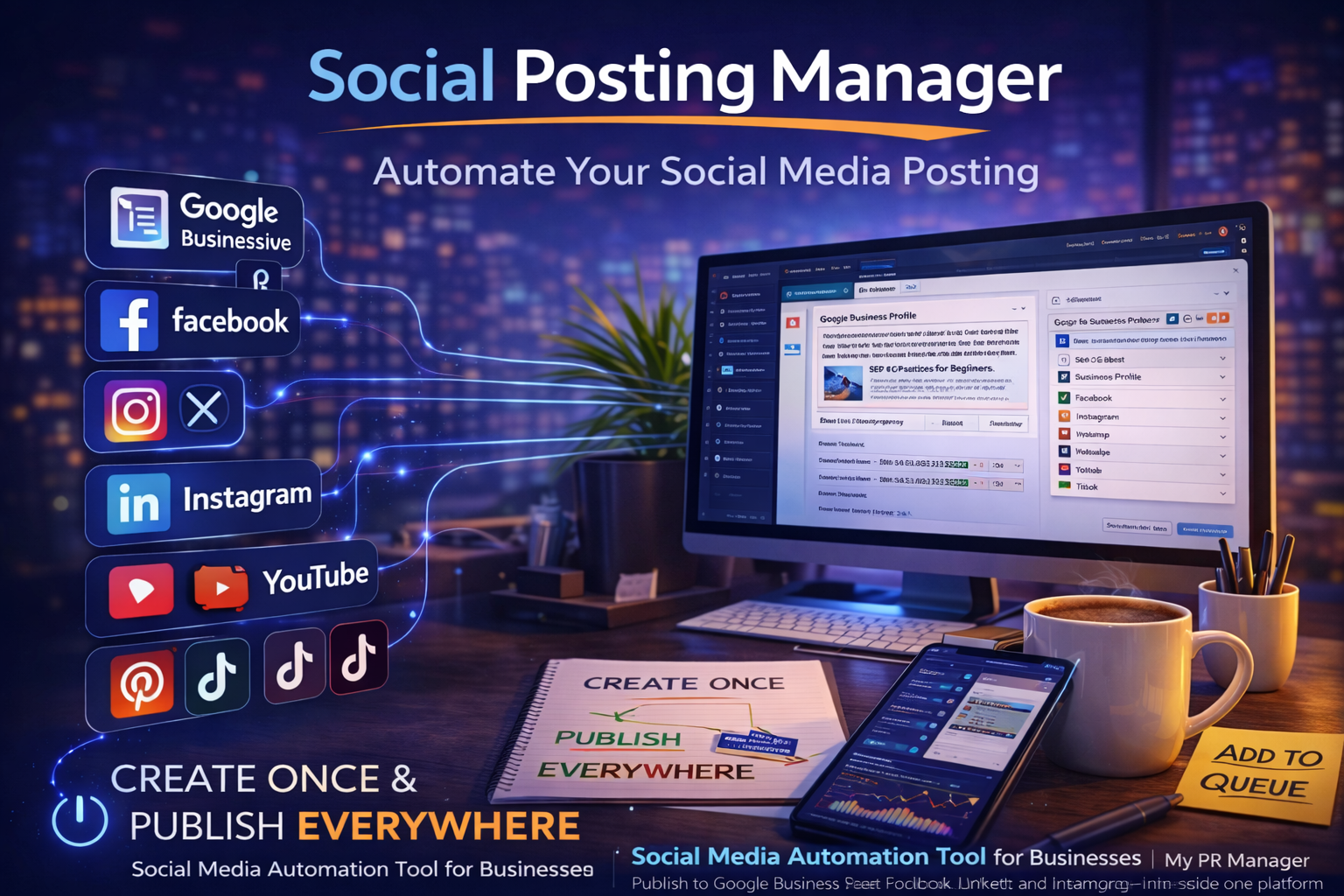
Social Media Automation Made Simple: Inside the My PR Manager Social Posting Manager
Introduction
Creating content is only half the battle.
If your blog posts sit quietly on your website without distribution, you’re relying entirely on search engines to do the heavy lifting. And while SEO is powerful, modern visibility requires amplification.
Social platforms are no longer optional:
-
Google Business Profile affects local SEO.
-
LinkedIn builds authority.
-
Instagram increases brand recognition.
-
Facebook strengthens community signals.
-
YouTube supports search visibility.
-
Even platforms like Reddit and Pinterest influence discovery.
The problem? Posting manually to each one is exhausting.
The My PR Manager Social Posting Manager turns social distribution into a structured, automated extension of your content strategy — not a separate task you forget about.
Why Social Posting Should Be Connected to Your Content System
Most businesses treat social media like a side project.
They:
-
Post randomly.
-
Copy/paste content differently on each platform.
-
Forget to post consistently.
-
Lose track of what was published where.
The result?
Disconnected visibility.
The Social Posting Manager fixes that by integrating directly with:
-
Article Publishing Manager
-
Project Calendar
-
Submission Reports
-
Analytics Overview
-
Full Website Reports
Social isn’t separate anymore. It’s part of the same workflow.
One Post, Multiple Platforms — Automatically Formatted
One of the biggest time-wasters in social media marketing is formatting.
A post that works on:
-
Facebook
-
LinkedIn
-
Google Business Profile
Will not look the same on:
-
Instagram
-
X (Twitter)
-
Pinterest
-
TikTok
Each platform has:
-
Character limits
-
Hashtag differences
-
Link formatting rules
-
Media behavior differences
With My PR Manager, you can:
-
Create one master post
-
Select which platforms to publish to
-
Let the system automatically reformat it per channel
Or, if you prefer full control, you can create individual variations per platform.
You choose the level of automation.
Manual or AI-Powered Post Creation
Inside the Post Manager, you can:
-
Write posts manually
-
Generate posts using AI
-
Attach images
-
Insert links
-
Add hashtags
-
Customize tone
If you’re publishing an article using the Article Publishing Manager, you can also automatically generate and schedule related social posts at the same time.
That means:
Publish article → Social posts created → Calendar updated → Status logged.
No extra steps.
Supported Social Platforms
The Connection Manager allows you to connect platforms such as:
-
Google Business Profile (GMB)
-
Facebook
-
X (Twitter)
-
Instagram
-
LinkedIn
-
YouTube
-
Pinterest
-
TikTok
-
Reddit
-
And more as integrations expand
This gives you centralized publishing instead of tab-hopping between dashboards.
Submission Reports & Transparency
Every post submission includes:
-
Platform
-
Status (Success / Failed)
-
Title
-
Link
-
Timestamp
This is powerful for:
-
Agencies
-
Multi-location brands
-
Internal marketing teams
-
Reporting to business owners
Instead of “We posted this week,” you have logged proof.
Why This Matters for SEO and AI Visibility
You might wonder — does social media affect SEO?
Direct ranking signals are debated.
But indirect signals are real.
Social posting helps:
-
Drive traffic
-
Increase branded searches
-
Generate backlinks
-
Strengthen authority signals
-
Build engagement patterns
For local businesses, Google Business Profile posting is especially impactful.
And when social is combined with:
-
Keyword research
-
AI-optimized articles
-
Indexing notifications
-
Analytics tracking
You’re building ecosystem visibility — not isolated actions.
How the Social Posting Manager Fits Into the Bigger System
Here’s how a complete workflow looks inside My PR Manager:
-
Research keywords.
-
Create an article.
-
Optimize with AI Visibility Audit.
-
Schedule article.
-
Auto-create social posts.
-
Publish across platforms.
-
Notify search engines.
-
Monitor traffic and keyword movement.
-
Share results via reports.
That’s not just social automation.
That’s controlled digital exposure.
Key Takeaways
-
Social posting should be connected to your content strategy.
-
My PR Manager allows master post creation with automatic platform formatting.
-
AI-generated posts save time while maintaining structure.
-
Submission Reports provide transparency and tracking.
-
Integration with publishing, indexing, and analytics creates measurable visibility.
FAQ
Can I create one post and publish it everywhere?
Yes. You can create one master post on multiple platforms. The system reformats automatically.
Can I customize posts per platform?
Yes. You can create separate versions for each channel if desired.
Does this integrate with blog publishing?
Yes. Articles can automatically generate social posts when published.
Does it support Google Business Profile?
Yes. GBP/GMB posting is supported and highly valuable for local SEO.
Can agencies manage multiple clients?
Yes. Each project maintains its own connected channels and reporting.